
How it works
How your phone and your child's phone connect
Enter the 6-digit code from the parent app on your child’s phone to connect.

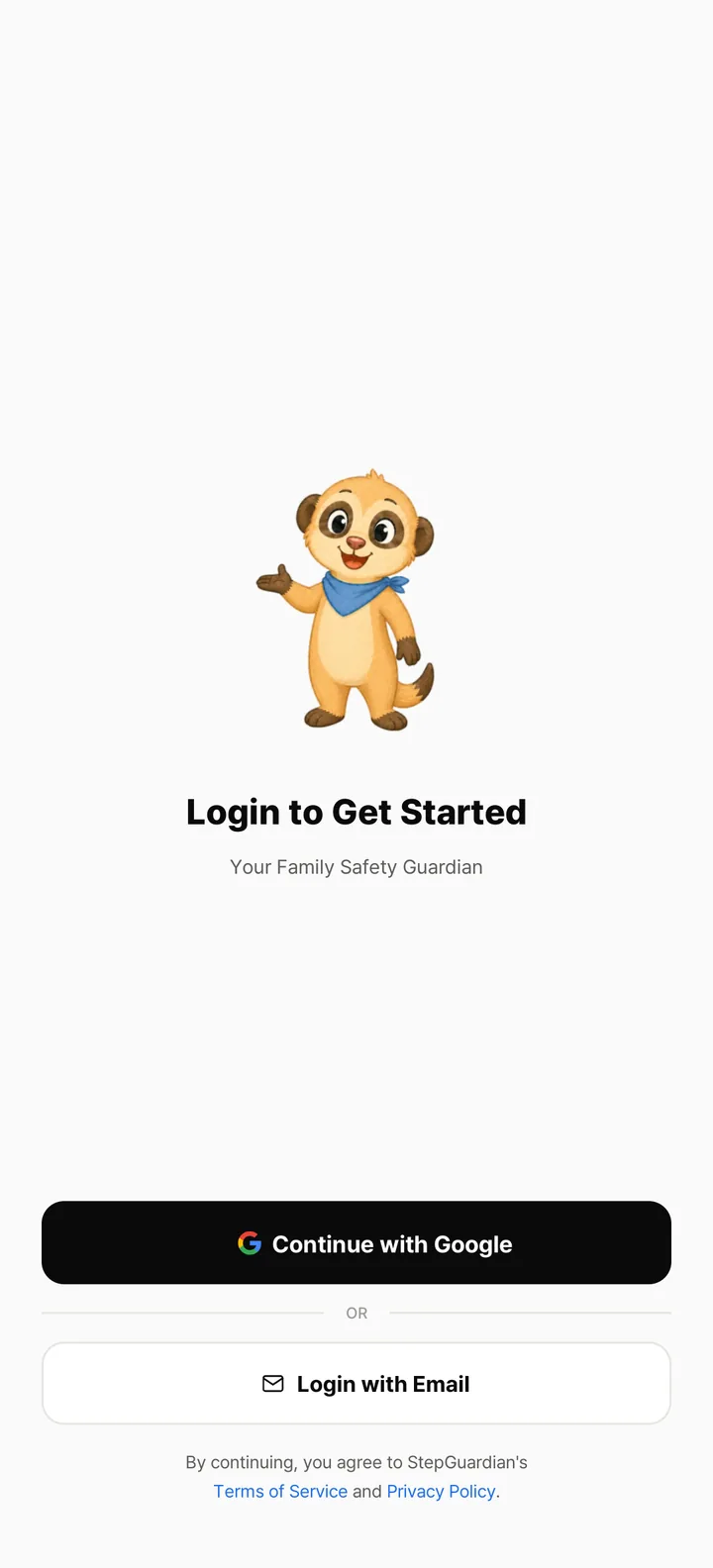
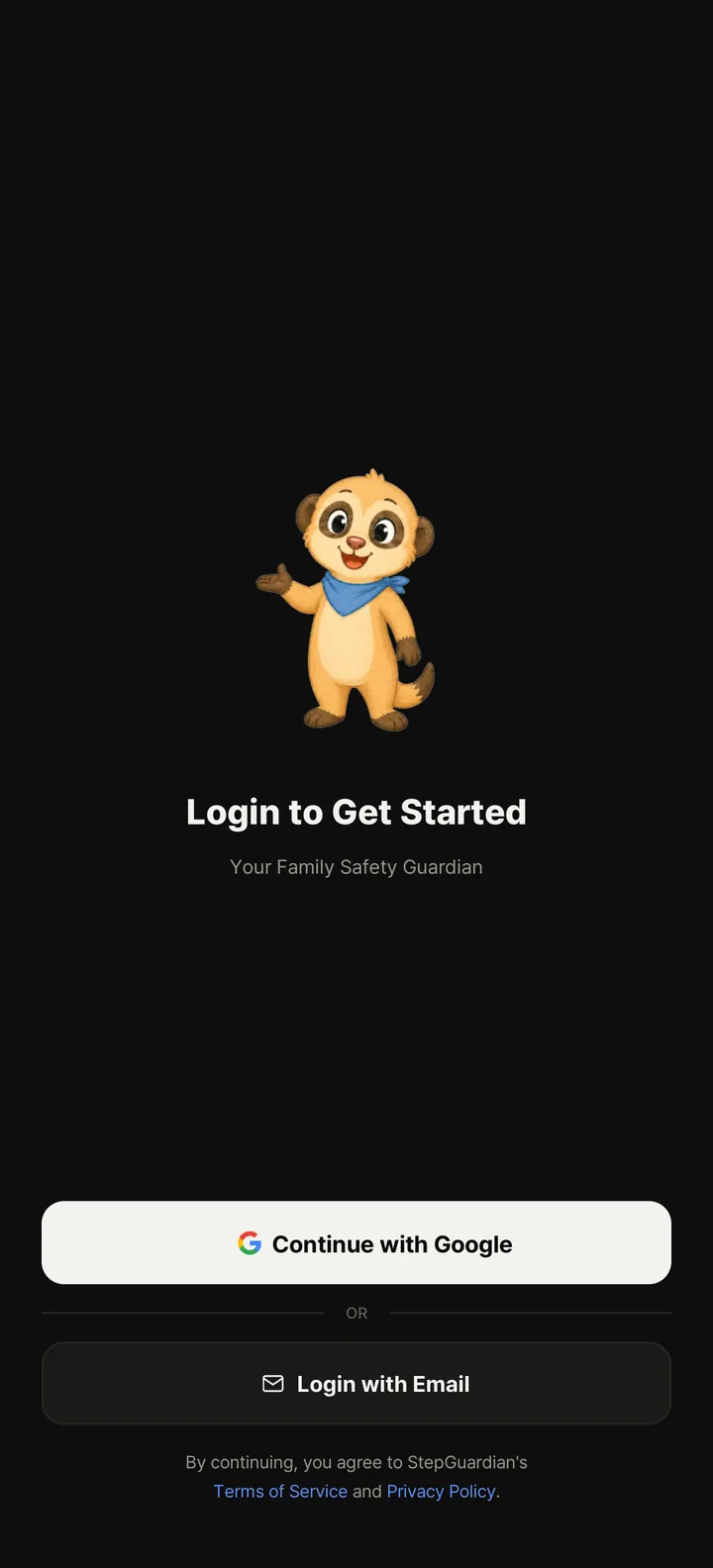
Install the parent app and sign up
Install it on your phone and sign up with Google or email.
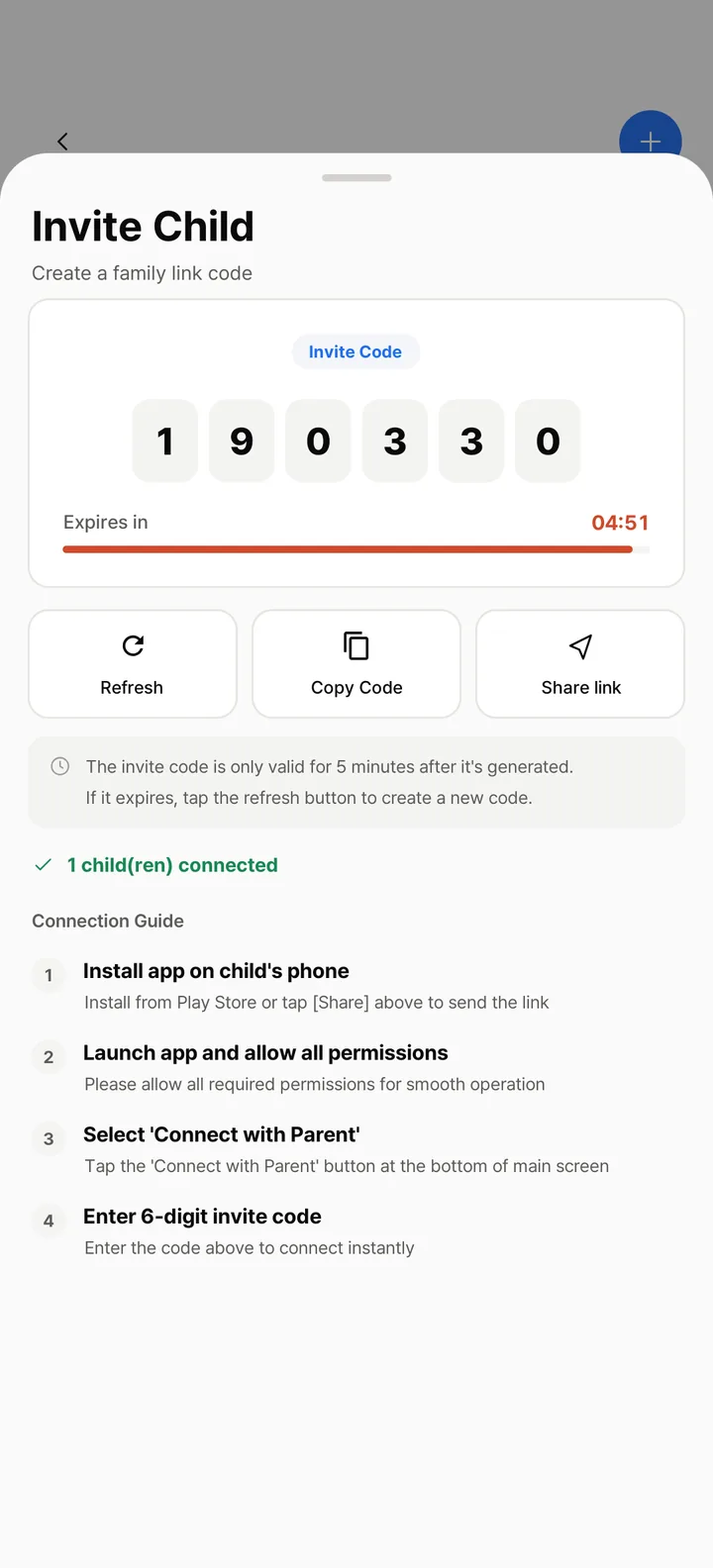
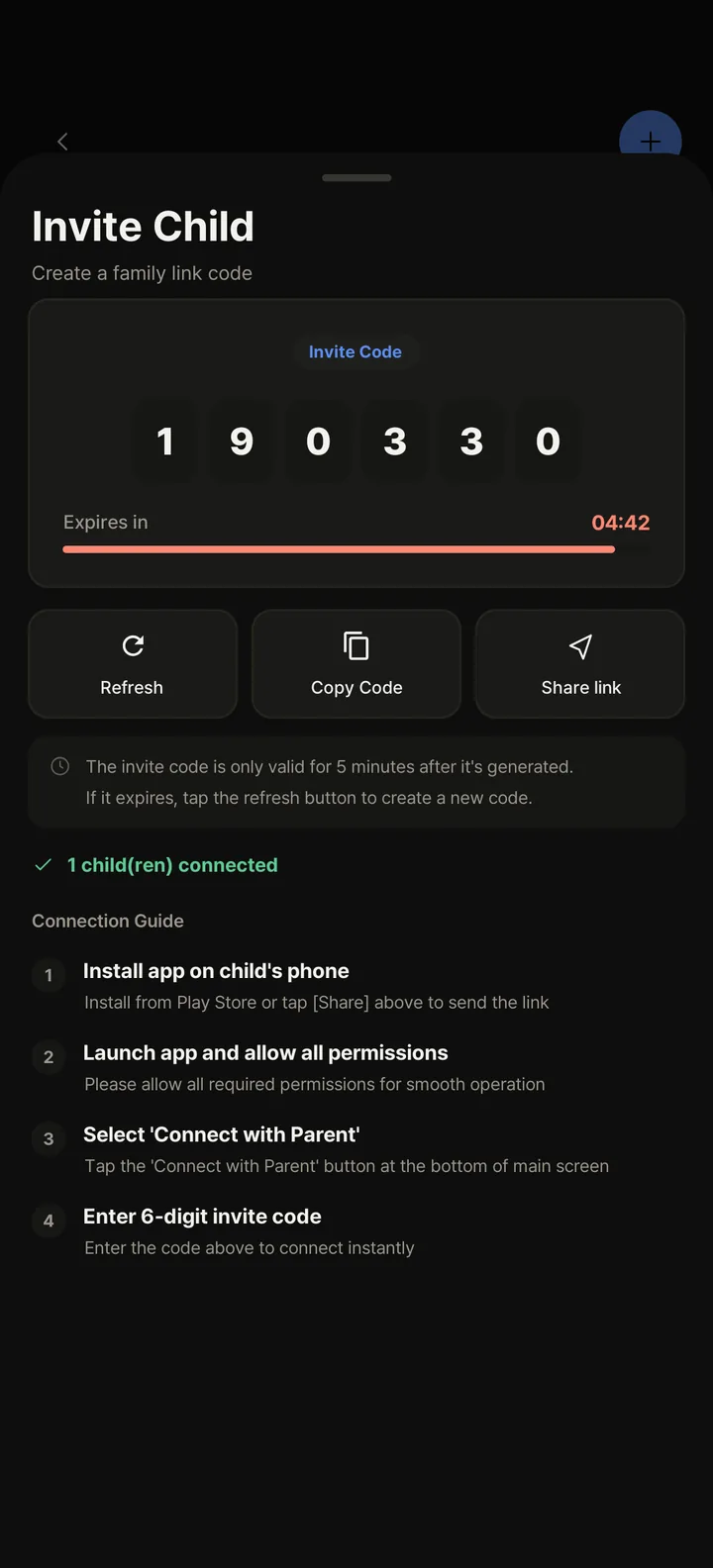
Get a 6-digit invite code
Create a code in the parent app. It works for 5 minutes.
Enter the code and let your child review
Your child enters the code without signing up, reads the notice and agrees.
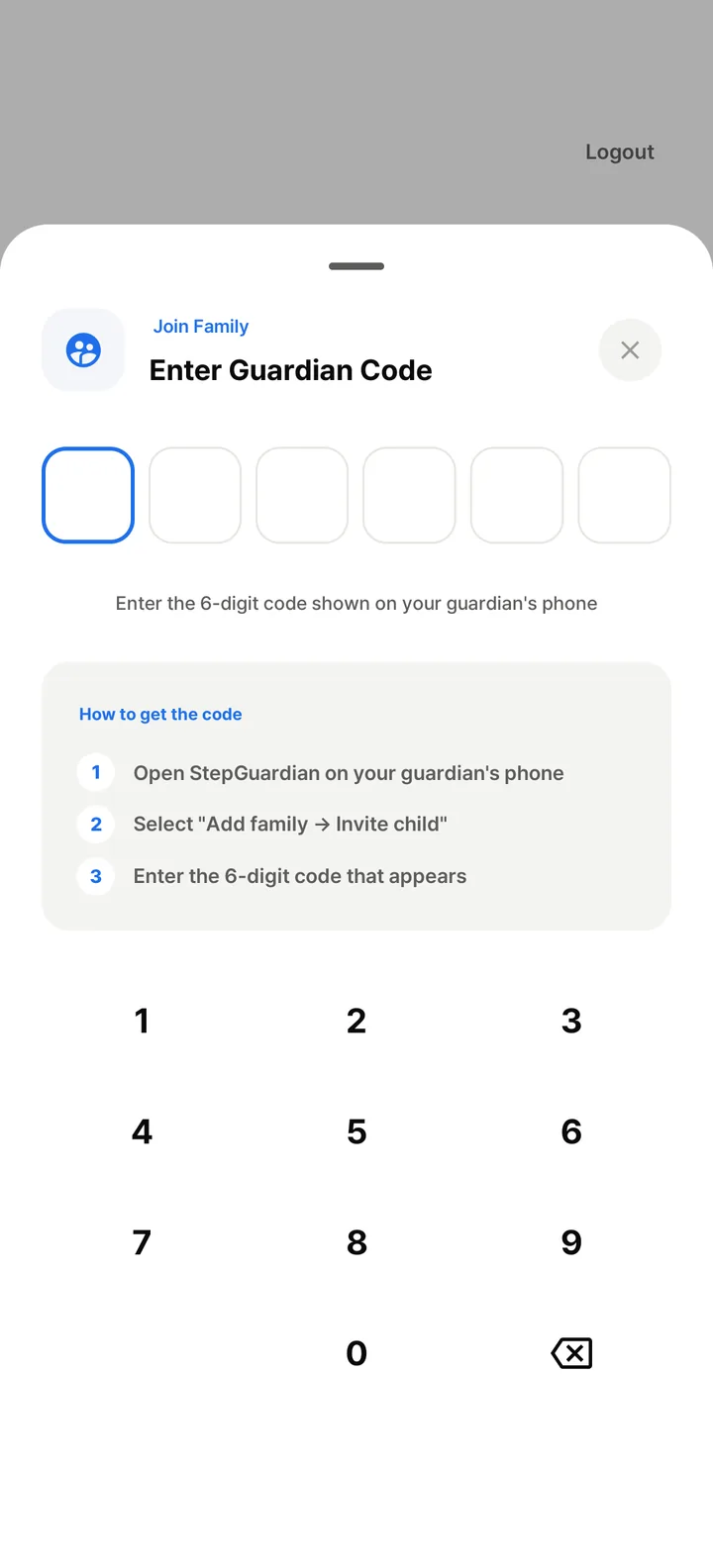
Review required and optional permissions
Required and optional permissions are shown separately. If an optional one is off, that feature may not work.


Transparency
What does your child see?
Location sharing, agreed app times, smombie alerts, and protection status are visible in the child app.
- Protection status is visible
- The current protection status appears on the child-app home screen and in the notification panel.
- The app lists what is shared
- Your child can see shared location and app-usage information, along with smombie-alert status.
- Your child sees your location too
- Your child can see the parent's location on the same family map.


Connect the parent and child apps
Install the parent and child apps, then connect them with the four steps above. The Android apps are being prepared for launch.
On the parent's phone
Coming soon to Google Play
On your child's phone
Coming soon to Google Play