
StepGuardian · Walking-while-scrolling alerts
A heads-up when they walk and scroll.
If your child looks at their phone while walking, a heads-up appears. Keep looking, and a warning covers the screen. Location, daily app time and family chat are in the same app.
Coming soon to Google Play
How walking alerts workInstall the parent app on your phone and the child app on your child's.


1 / 3 Nothing changes. Walking without looking at the phone? Nothing pops up.
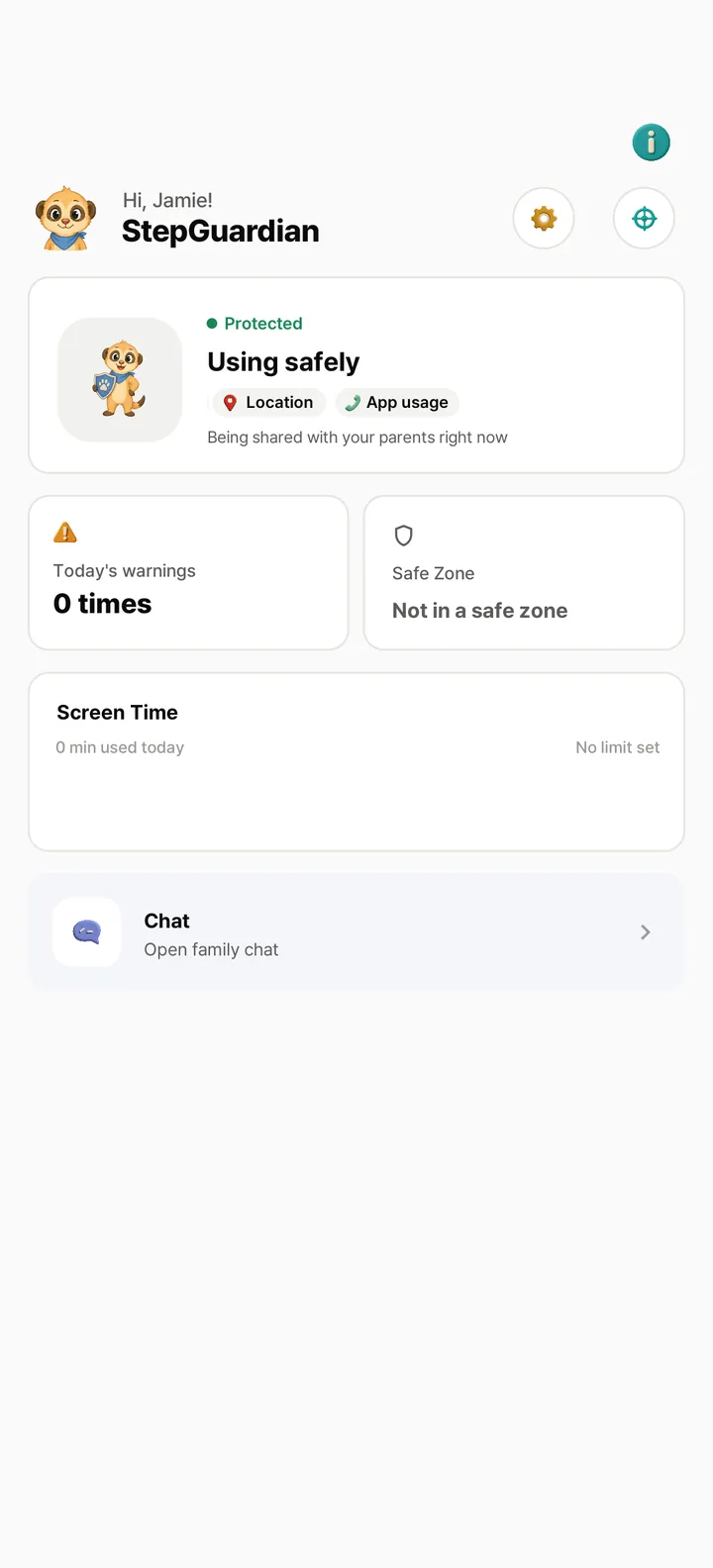
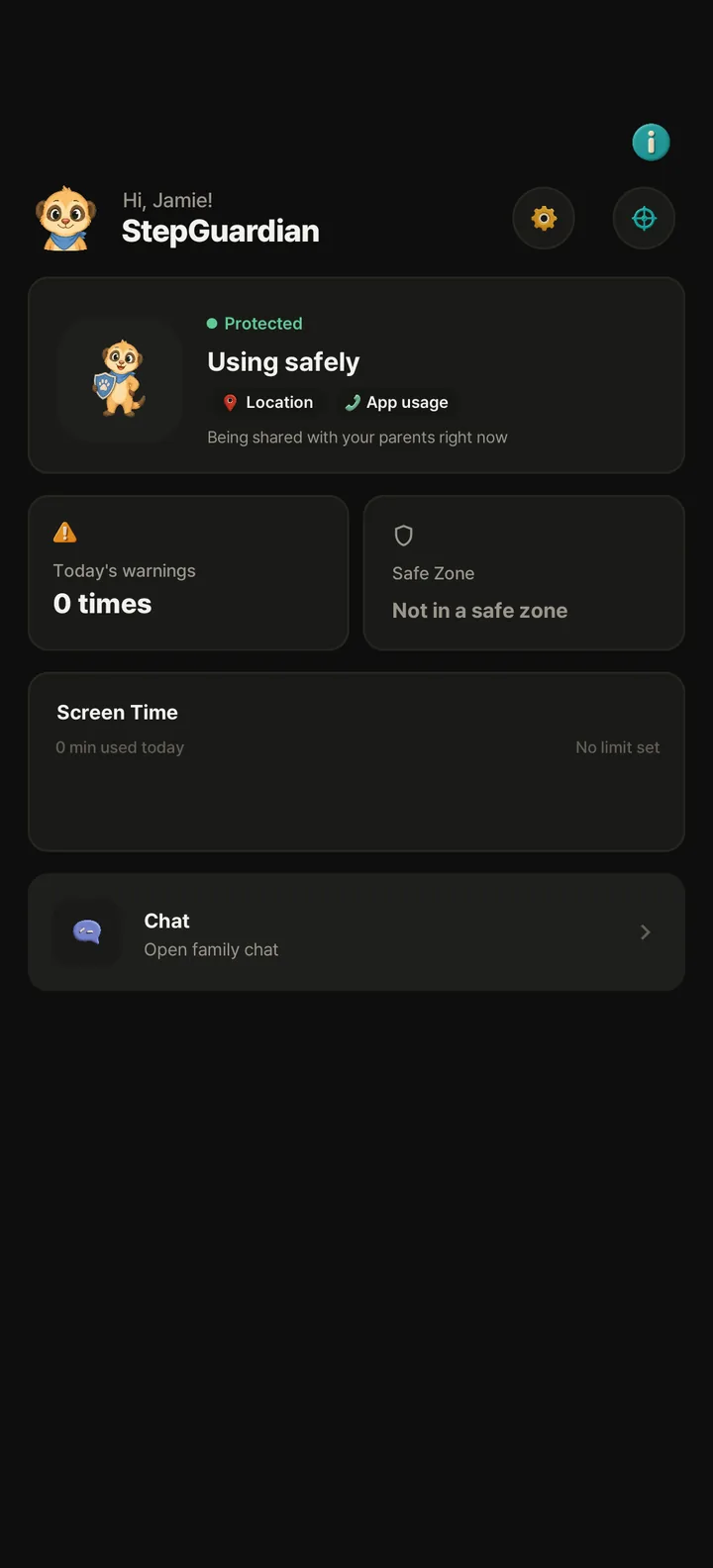
1 / 3Nothing changesWalking without looking at the phone? Nothing pops up. 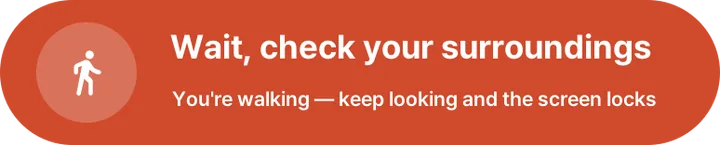

2 / 3Looking while walking"Wait, check your surroundings" slides onto the screen. 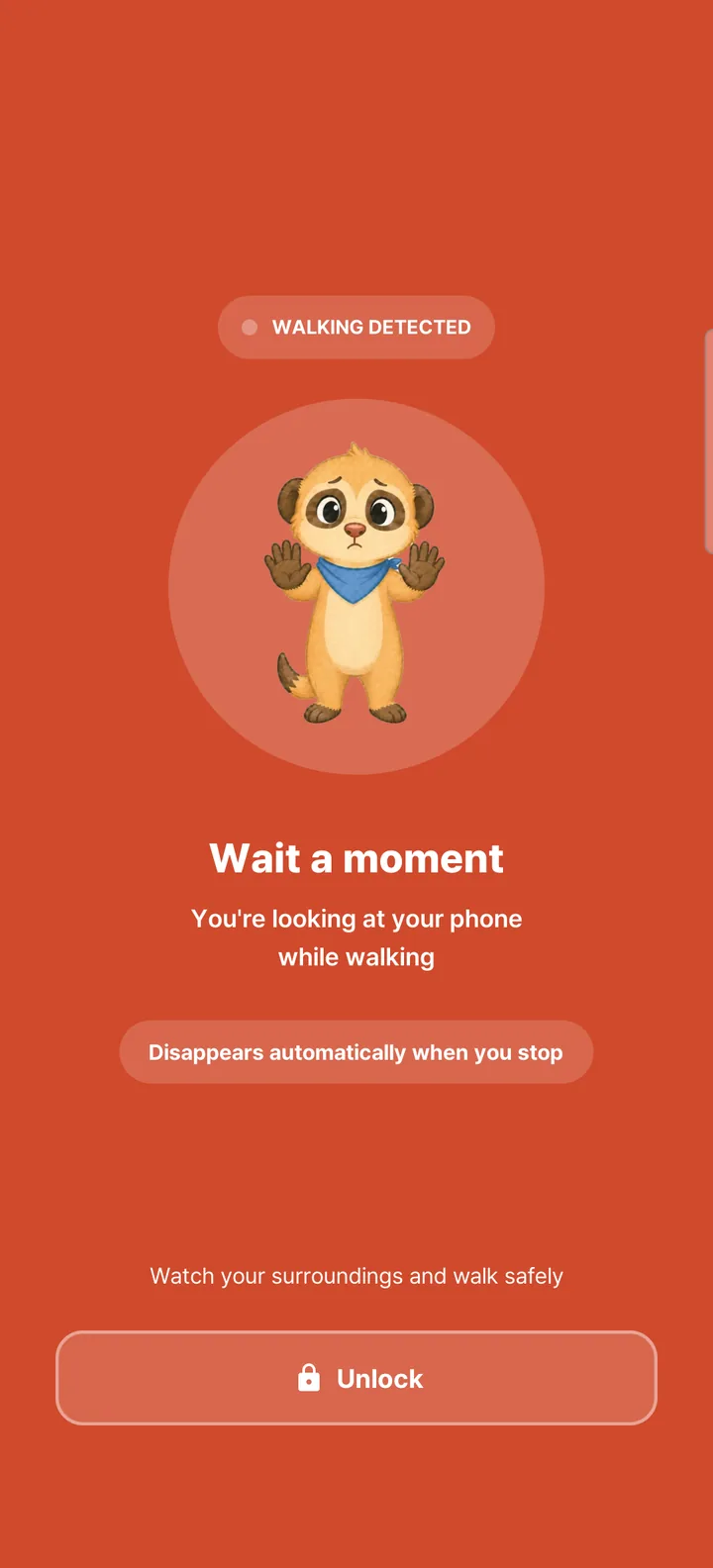
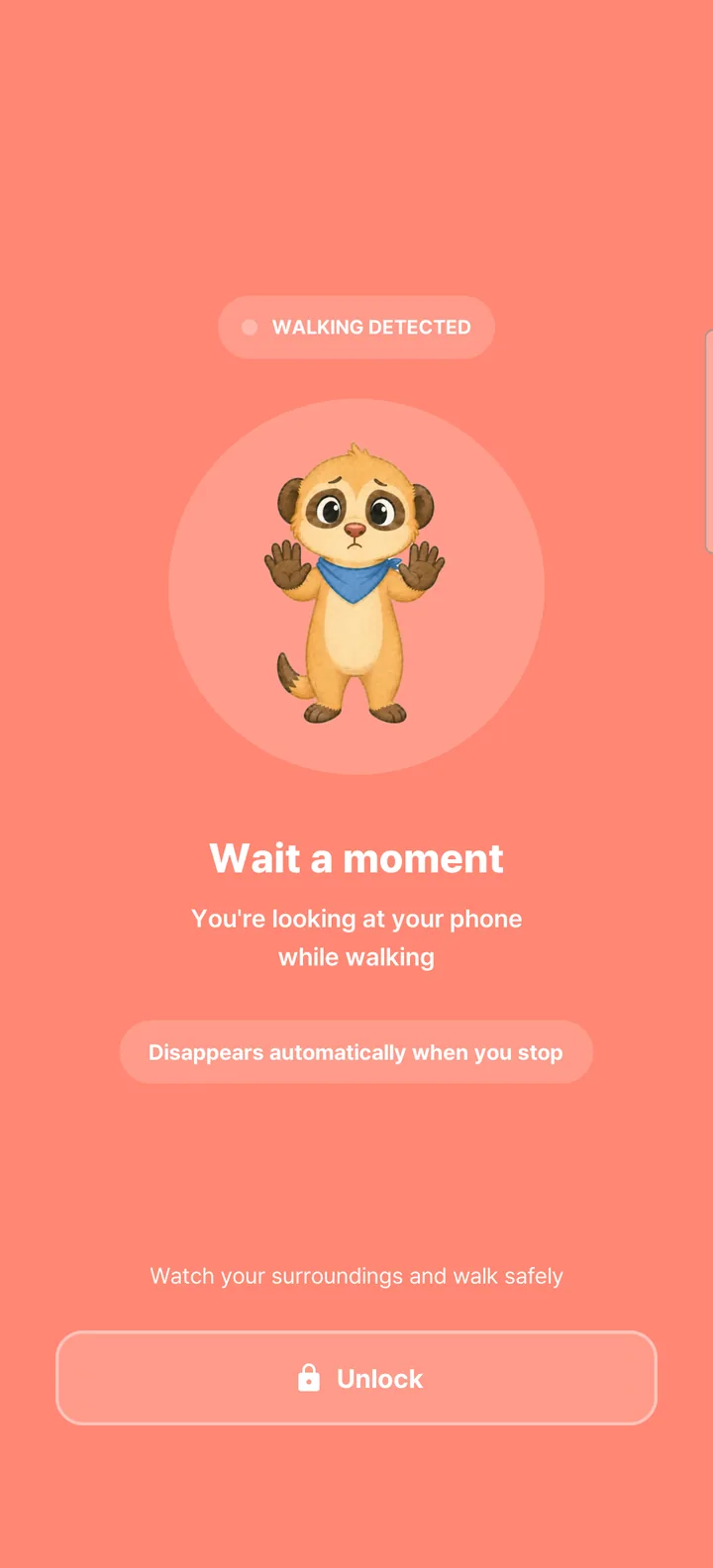
3 / 3Still lookingA full-screen warning appears. It clears once they stop walking.

It really happens
What happened to kids who walked and looked at their phones
Real accidents, each checked against the original report. All three happened on the way to or from school.
- Case · South KoreaHigh school student wearing earphones killed by a train at a rail crossing
- Case · United Kingdom11-year-old watching a video killed by a train at a footpath crossing on the way to school
- Case · Japan14-year-old walking along a platform edge killed after being caught between train and platform
One app for your family's day
See all featuresA heads-up, then a warning, on your child's phone when they walk and scroll.
More about Walking alertsGet notified when they arrive at or leave school.
More about Location & safe zonesSet a daily time for each app. Their phone lets them know when it's up.
More about Daily app timeTexts, photos and voice messages for the whole family.
More about Family chatAI sums up the week's records. It's written by generative AI and may contain errors.
More about AI weekly report


Connect two phones with one code.
- Install the parent appInstall it on your phone and sign up with Google or email.
- Install the child appInstall it on your child's phone. They don't need an account.
- Enter the 6-digit codeEnter the code from the parent app on your child's phone. Once they agree, you're connected.


How we handle your family's data
Never used for ads
We don't use location or app usage records for ads, and we don't sell them.
Walking is detected on the phone
The sensor data used to detect walking isn't sent to our servers.
Deleted on schedule
Location history is deleted after 90 days and chats after 60 days.
Common questions
Visit the help centerIn the parent app, choose which apps trigger alerts. When your child uses one while walking, a small prompt appears first. If they continue, it changes to a full-screen warning.
Walking is detected on your child's phone, while current status, alert counts, and history also appear in the parent app. See smombie walking alerts for details.
Invite codes are valid for 5 minutes. If yours expires, create a new one from the child-connection screen in the parent app and enter it again.
The connection does not start, and location and app-usage information are not shared. Setup continues after your child reviews the information and agrees.
How we handle children's data is set out in the Privacy Policy.
Check the following on your child's device.
- Location permission is set to Allow all the time
- StepGuardian is excluded from battery optimization
- The device has an internet connection
- The device is not indoors or underground where GPS may be weak

While walking, eyes up, phone down.
Install one app on your phone and one on your child's. The Android apps are being prepared for launch.
On the parent's phone
Coming soon to Google Play
On your child's phone
Coming soon to Google Play